It takes more than using a firm voice to make a robot do what you want it to do. Even though you’re dealing with a high-tech device, doesn’t mean it will be able to determine what is required to get the job done.
This means that it is up to you to provide simple step by step instructions for the robot. Success depends on your clever programming skills.
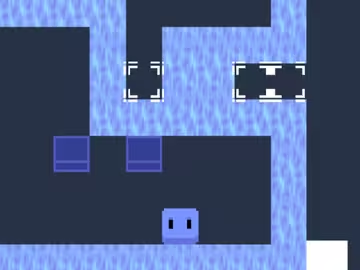
Get the little robot to turn on the lights in all blue tiles.
The robot moves to the instructions provided in the right hand side of the screen.
The main method area is where your bot receives his orders from. You drag the instructions from the top row into this field. The robot will cycle through these instructions.
You can choose from forward, right, left, jump, activate light and two function blocks.
These functions are declared in function field 1 and 2. This is a way to make it possible to repeat extensive instructions. Use this to reduce code as the main instruction field is limited to only 12 instructions.
Providing extensive instruction, making clever use of these function files is the main challenge in this game.
Play other games from Coolio Niato:
Absolutemadness and
Enigma!